Workflow · Stand
How to Create a Vehicle Sales Process
When starting a new vehicle sales process in Stand. Covers the Novo processo button (opens #modal_new_process), vehicle selection via Select2, optional client selection, process submission, and cancel flow.
Evidence Summary
Module Stand Route /stand/processesRun crion-stand-create-process-20260606T165617Z Steps 15 (15 ok) Backend calls 0 Evidence JSON raw/playwright/workflows/crion-stand-create-process-20260606T165617Z.json
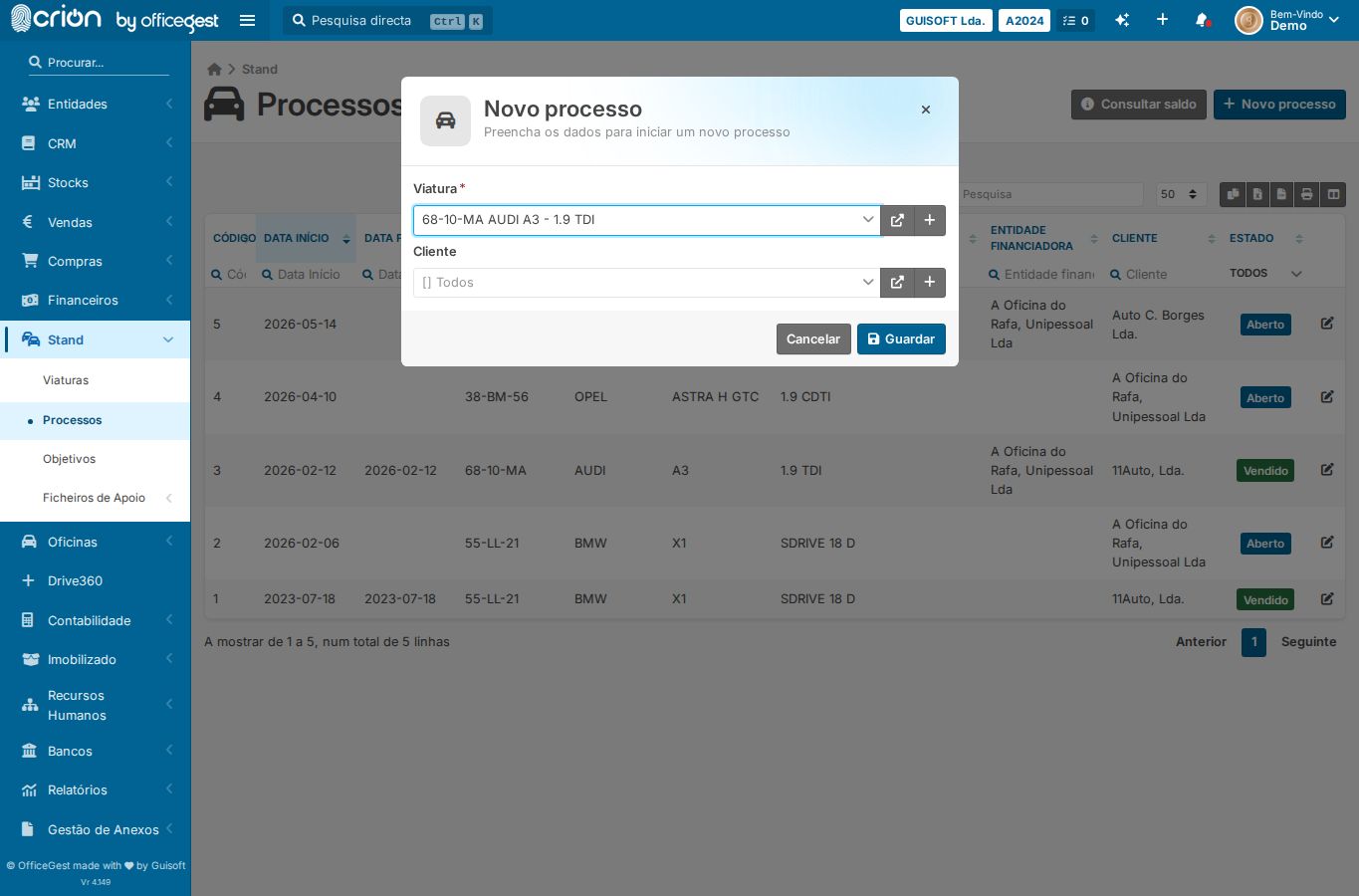
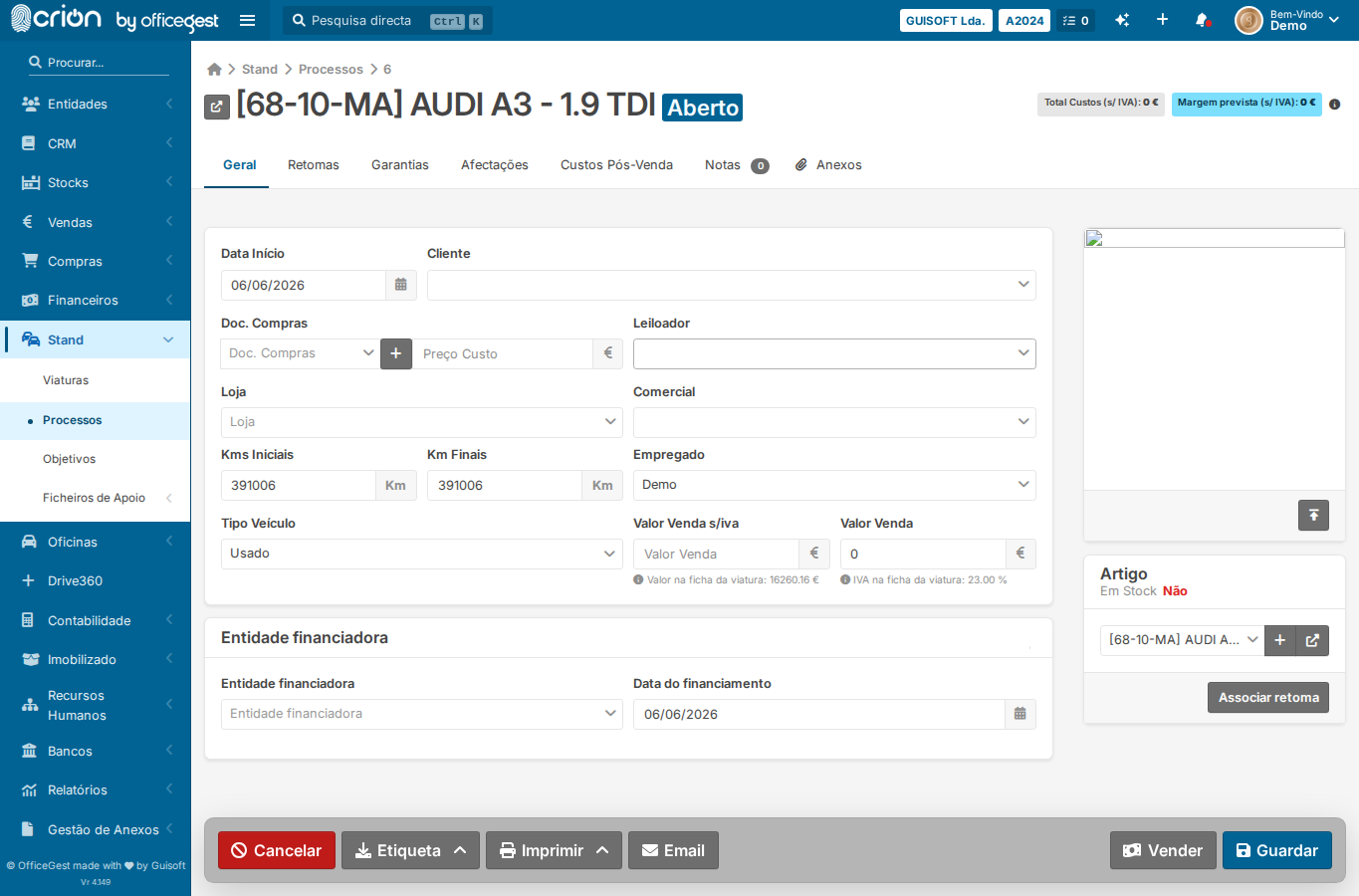
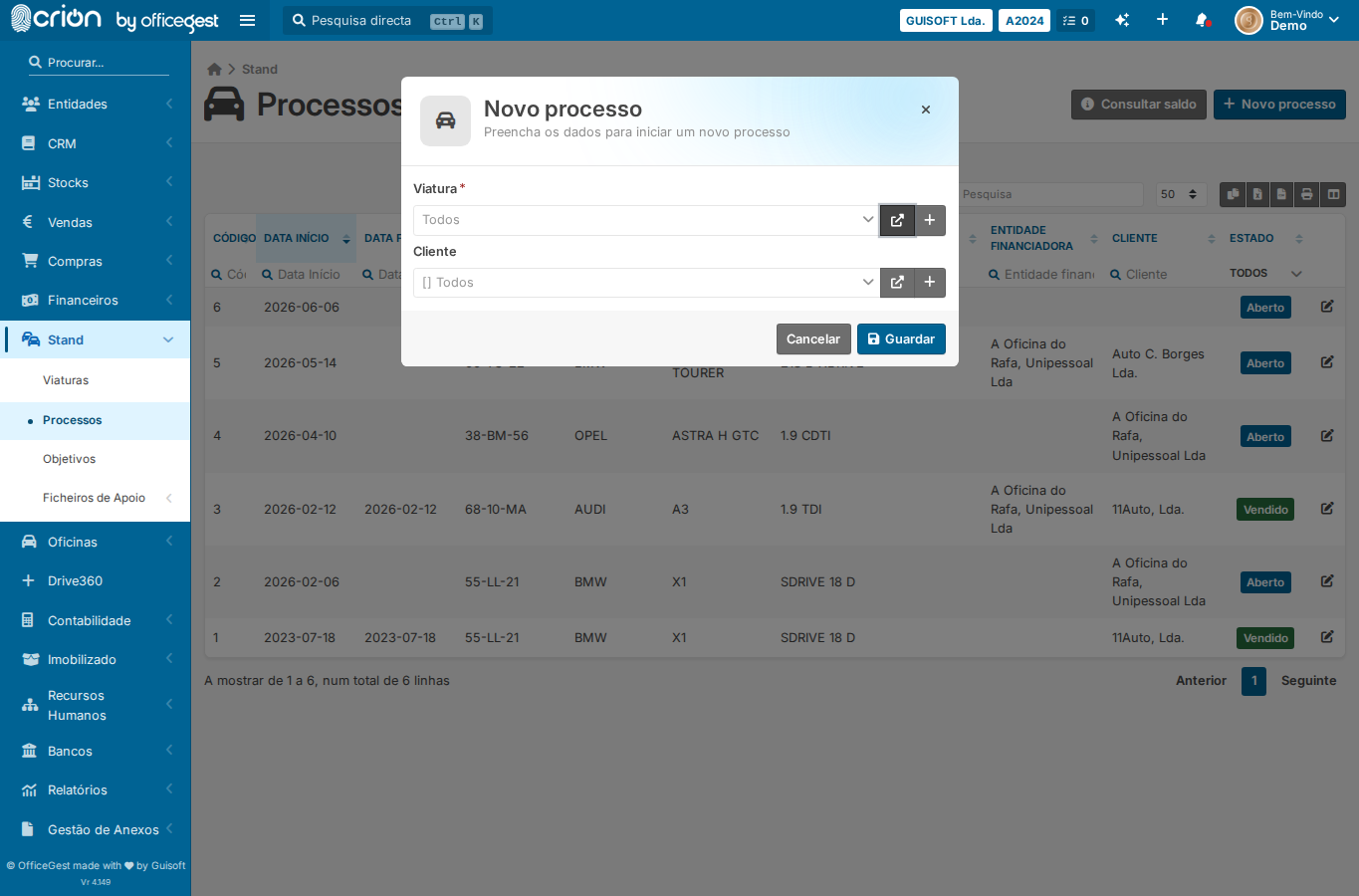
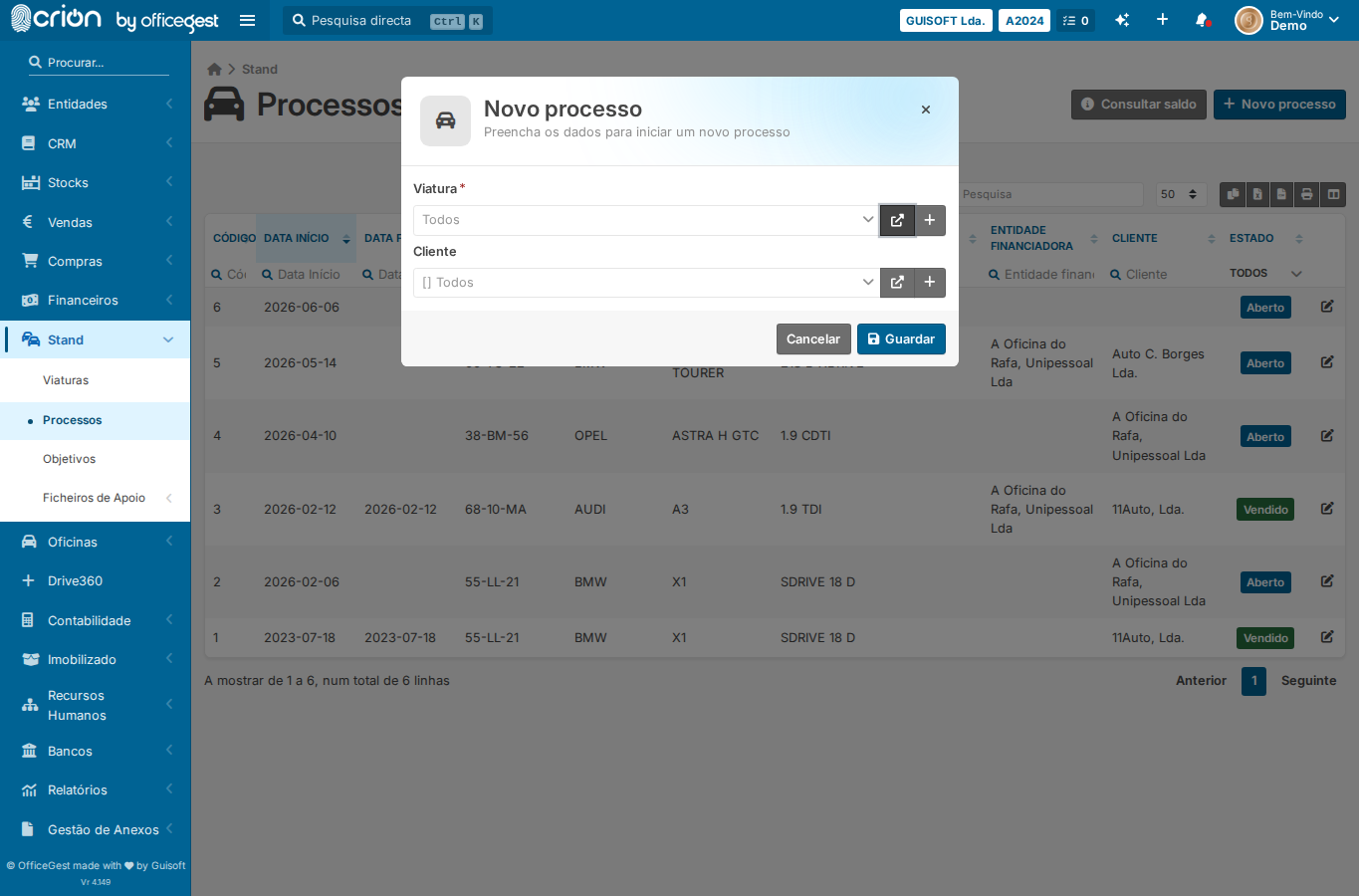
Step-by-Step Open Processos list — ok Wait for Novo processo button — ok Click Novo processo to open the process modal — ok Wait for process modal to be visible — ok Click vehicle (Viatura) Select2 dropdown trigger — ok Wait for vehicle options to load — ok Select the first available vehicle — ok Screenshot of process form with vehicle selected — ok Submit process (Guardar) — ok Screenshot after process created — ok Open Processos list — ok Click Novo processo — ok Wait for process modal — ok Click Cancelar to close modal without saving — ok Screenshot after cancel — ok Edge Cases Covered Cancel process creation — click Cancelar button in modal Screenshots process-form-vehicle-selected after-process-created edge-cancel-process edge-Cancel process creation — click Cancelar button in modal