Workflow · Stand
How to Create a Vehicle (Viatura) Manually
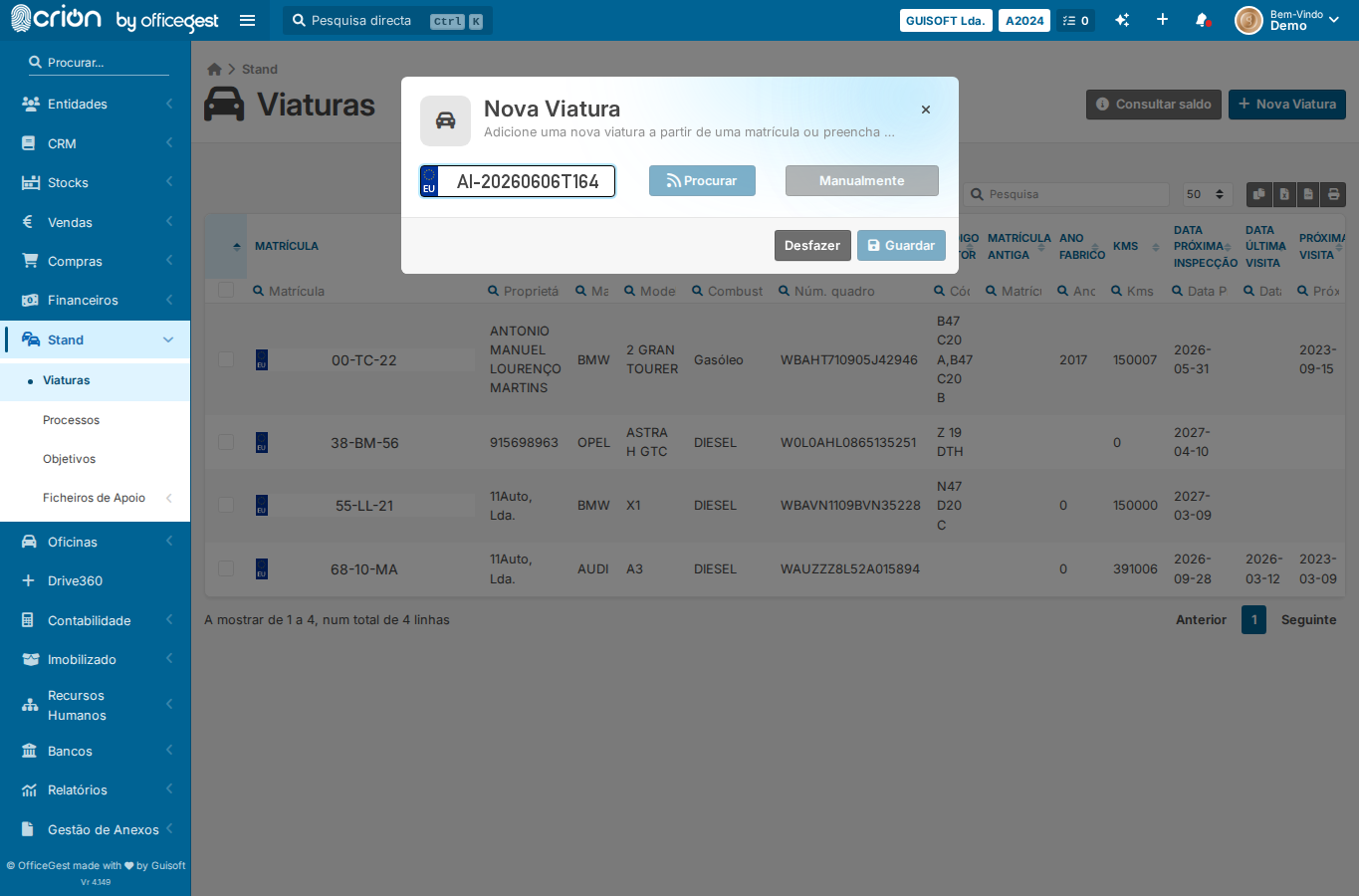
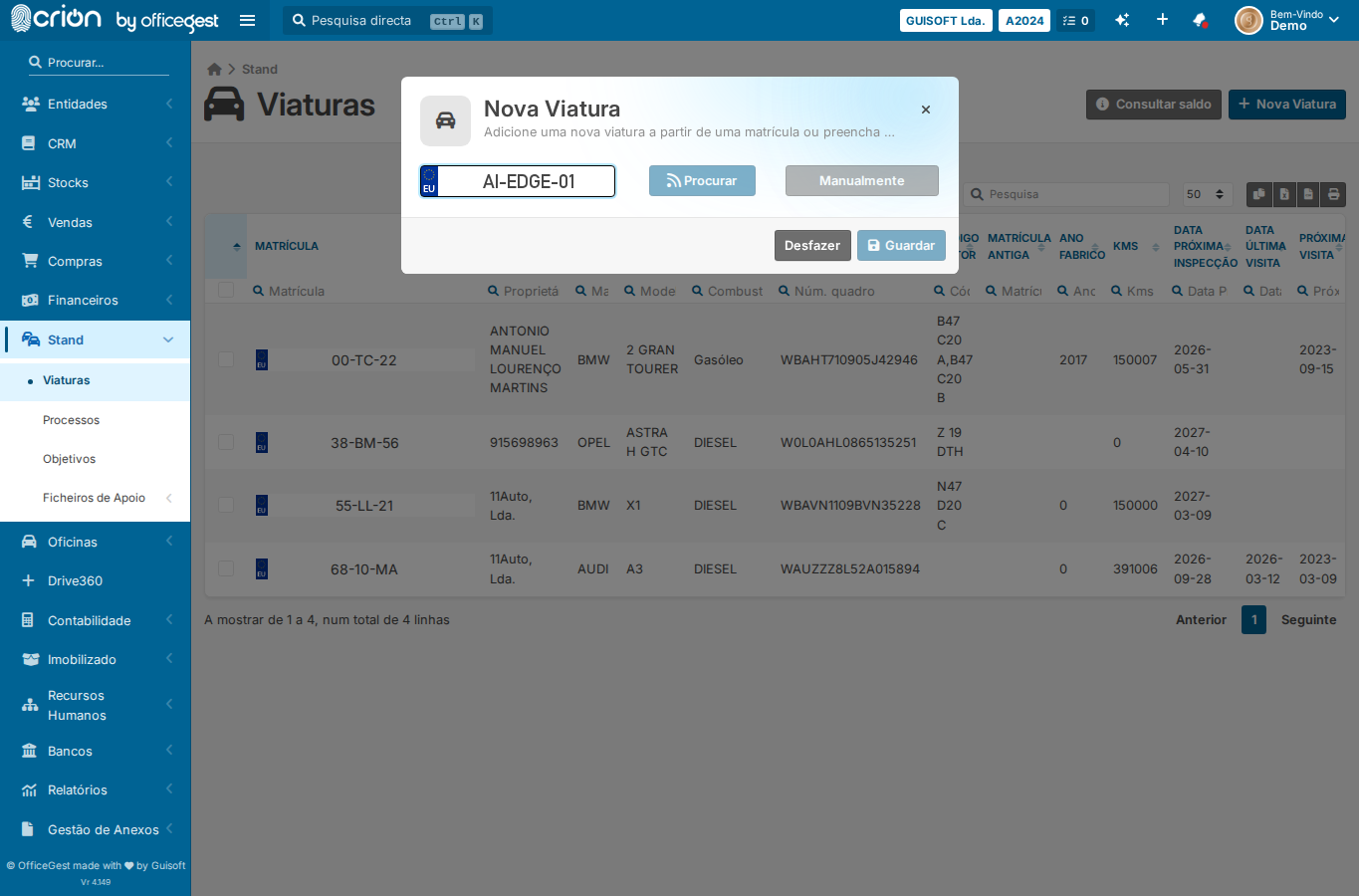
When adding a new vehicle to the Stand stock manually (without plate auto-lookup). The Nova Viatura panel requires: open modal, fill plate, click Procurar, then click Manualmente to reveal the full form. Brand/Model/Version use jQuery Chosen widgets.
Evidence Summary
Module Stand Route /stand/vehiclesRun crion-stand-create-vehicle-20260606T164919Z Steps 24 (24 ok) Backend calls 0 Evidence JSON raw/playwright/workflows/crion-stand-create-vehicle-20260606T164919Z.json
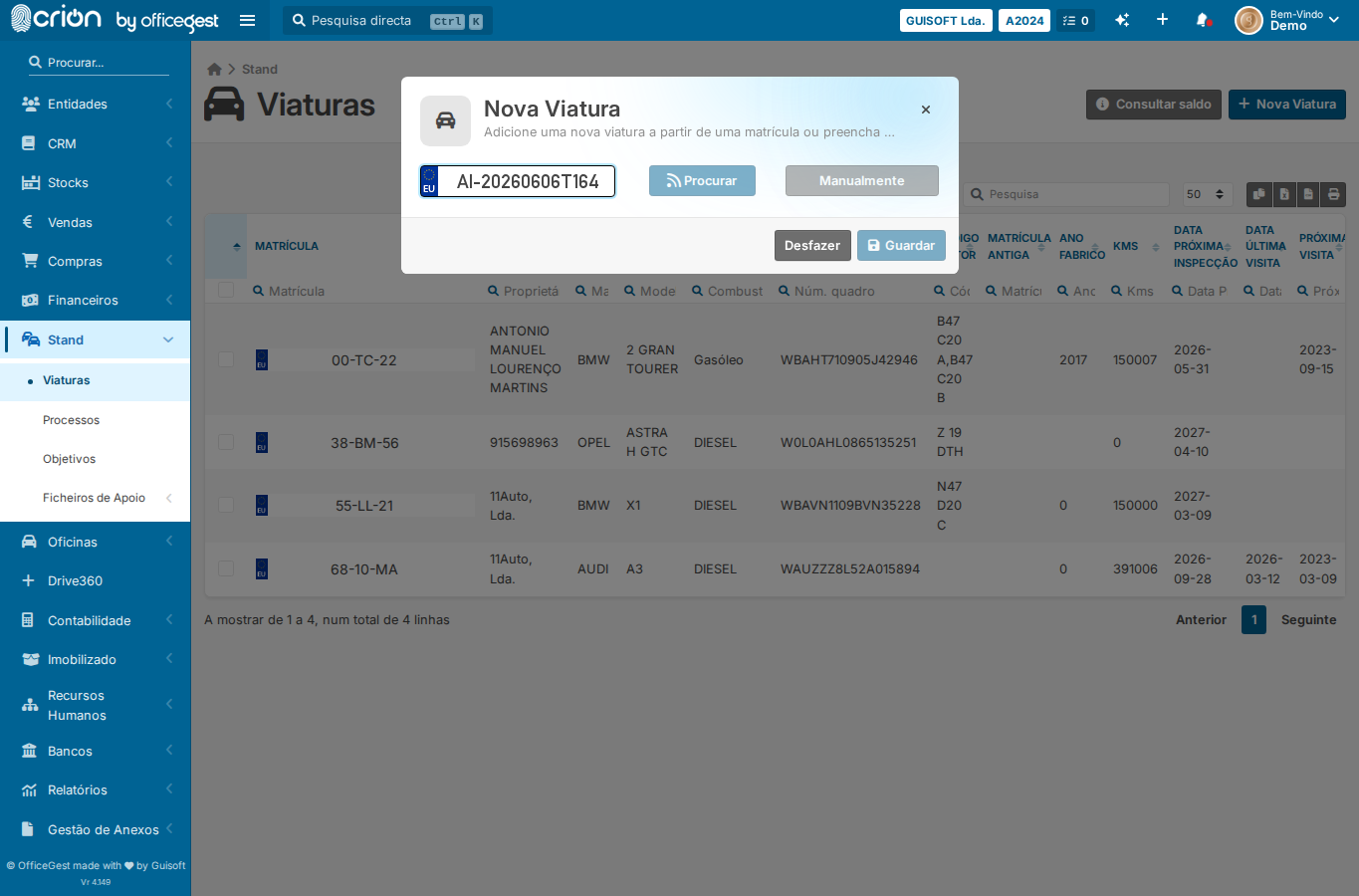
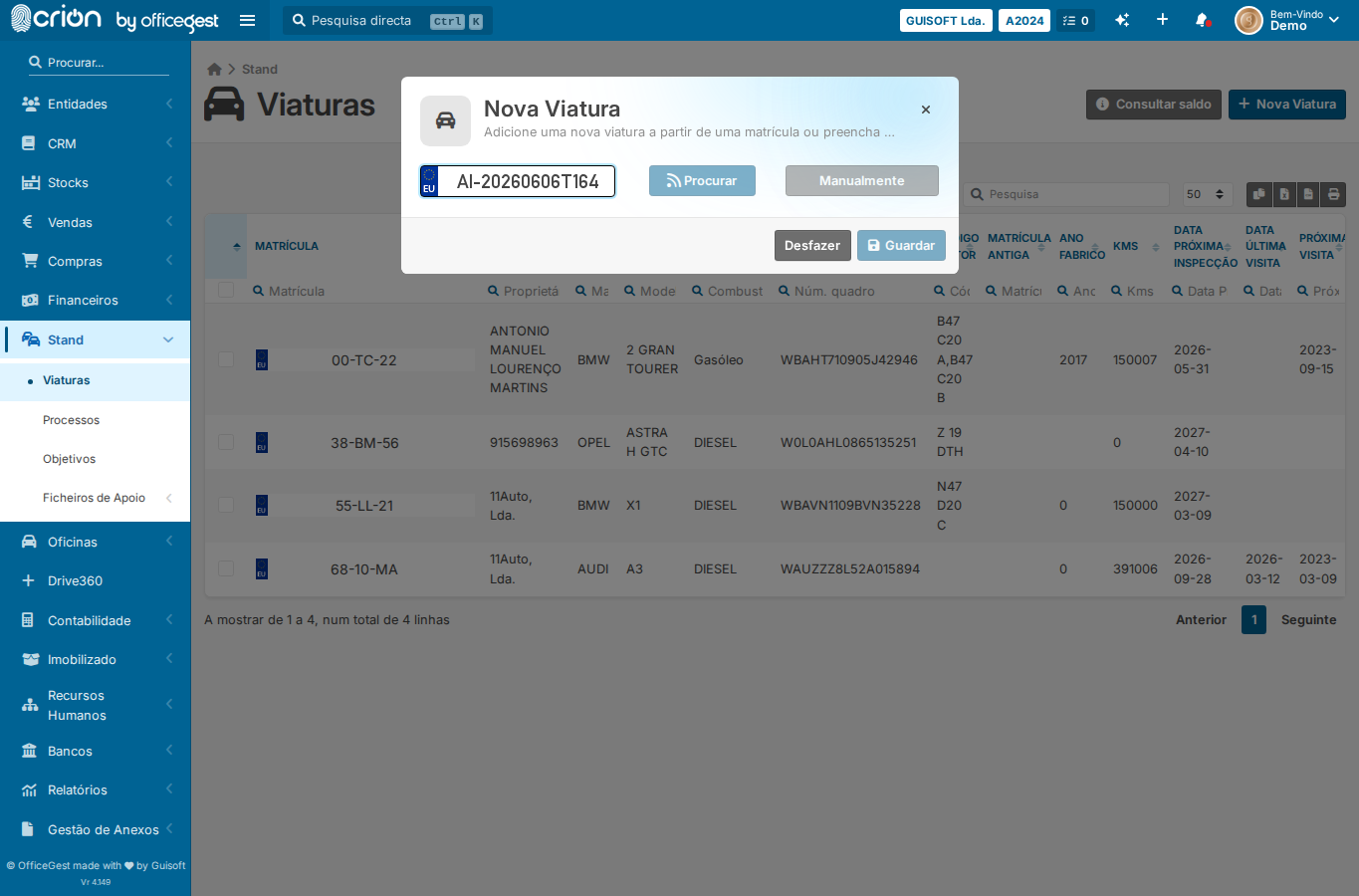
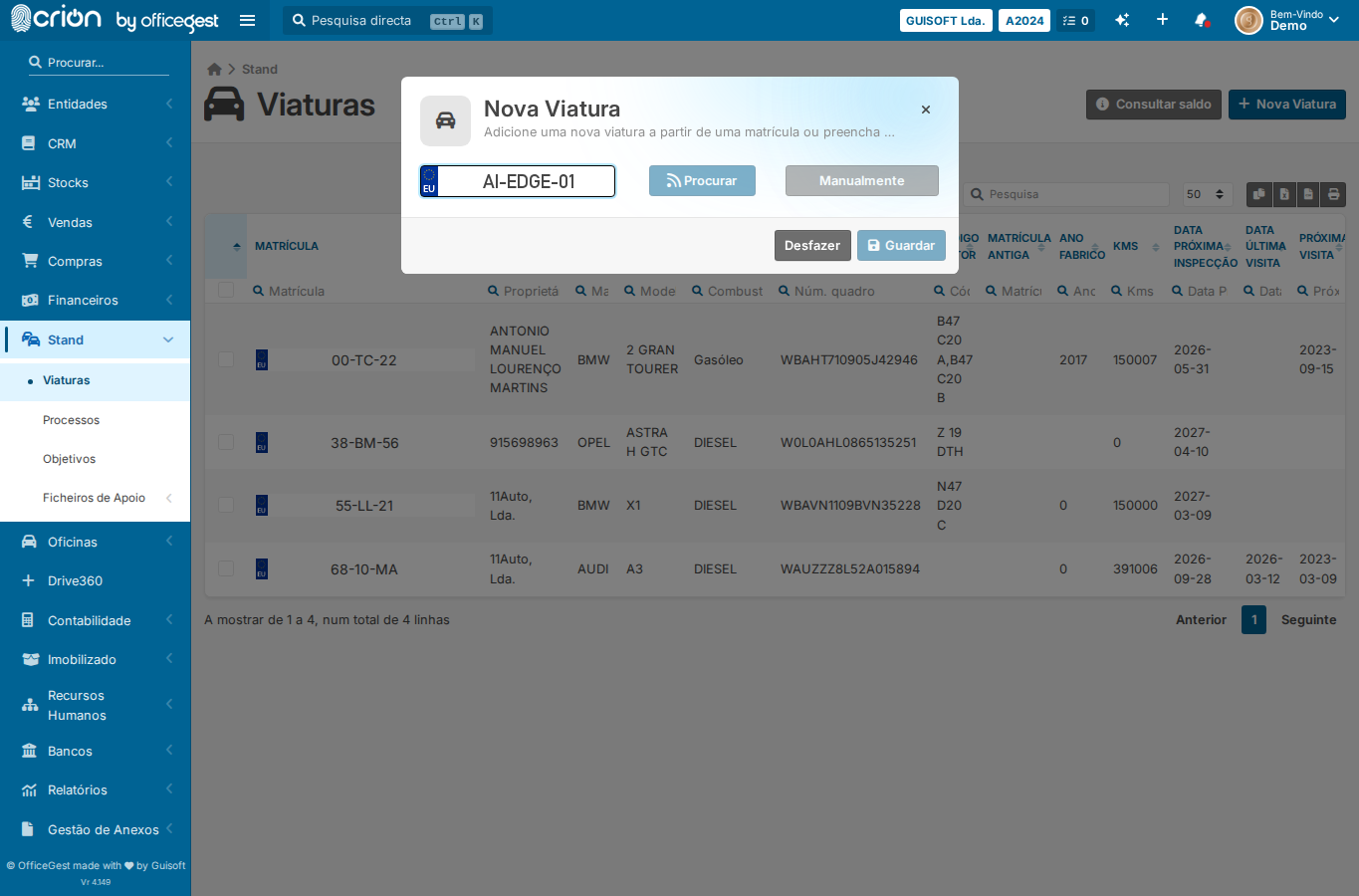
Step-by-Step Open Viaturas list — ok Wait for Viaturas list to load — ok Open Nova Viatura modal via jQuery (avoids animation race) — ok Wait for modal to be visible — ok Fill plate field — ok Click Procurar to trigger plate lookup (required before Manualmente) — ok Click Manualmente to reveal full vehicle form — ok Screenshot after Manualmente (vehicle data section revealed) — ok Select brand (Marca) — pick first available option; wait for model to load — ok Select first available model; wait for version to load — ok Select first available version — ok Select fuel type (Combustível) — GASOLINA — ok Screenshot of filled Nova Viatura form — ok Submit form (Guardar) via JS click — ok Screenshot after save — ok Open Viaturas list — ok Open Nova Viatura modal — ok Wait for modal — ok Fill plate — ok Click Procurar — ok Click Manualmente to show form — ok Attempt Guardar without selecting required brand/model/version — ok Assert validation feedback or modal stays open — ok Screenshot of validation state — ok Verification Assert validation feedback or modal stays open : ✅ Nova Viatura
Adicione uma nova viatura a partir de uma matrícula ou preencha os detalhes manualmente
Edge Cases Covered Required-field validation — submit Nova Viatura without required fields Screenshots after-manualmente filled-nova-viatura after-save-viatura edge-missing-brand edge-Required-field validation — submit Nova Viatura without required fields