Workflow · Stand

How to Create, Edit and Delete a Vehicle Extra

When managing optional extras (e.g. sunroof, leather seats) that can be associated with vehicles in Stand. Covers create, edit, delete, and cancel flows.

Evidence Summary

ModuleStand
Route/stand/apoio/extra_vehicle
Runcrion-stand-extra-vehicle-20260606T164104Z
Steps22 (22 ok)
Backend calls0
Evidence JSONraw/playwright/workflows/crion-stand-extra-vehicle-20260606T164104Z.json

Step-by-Step

  1. Open Extra Vehicle support tableok
  2. Wait for Novo Extra buttonok
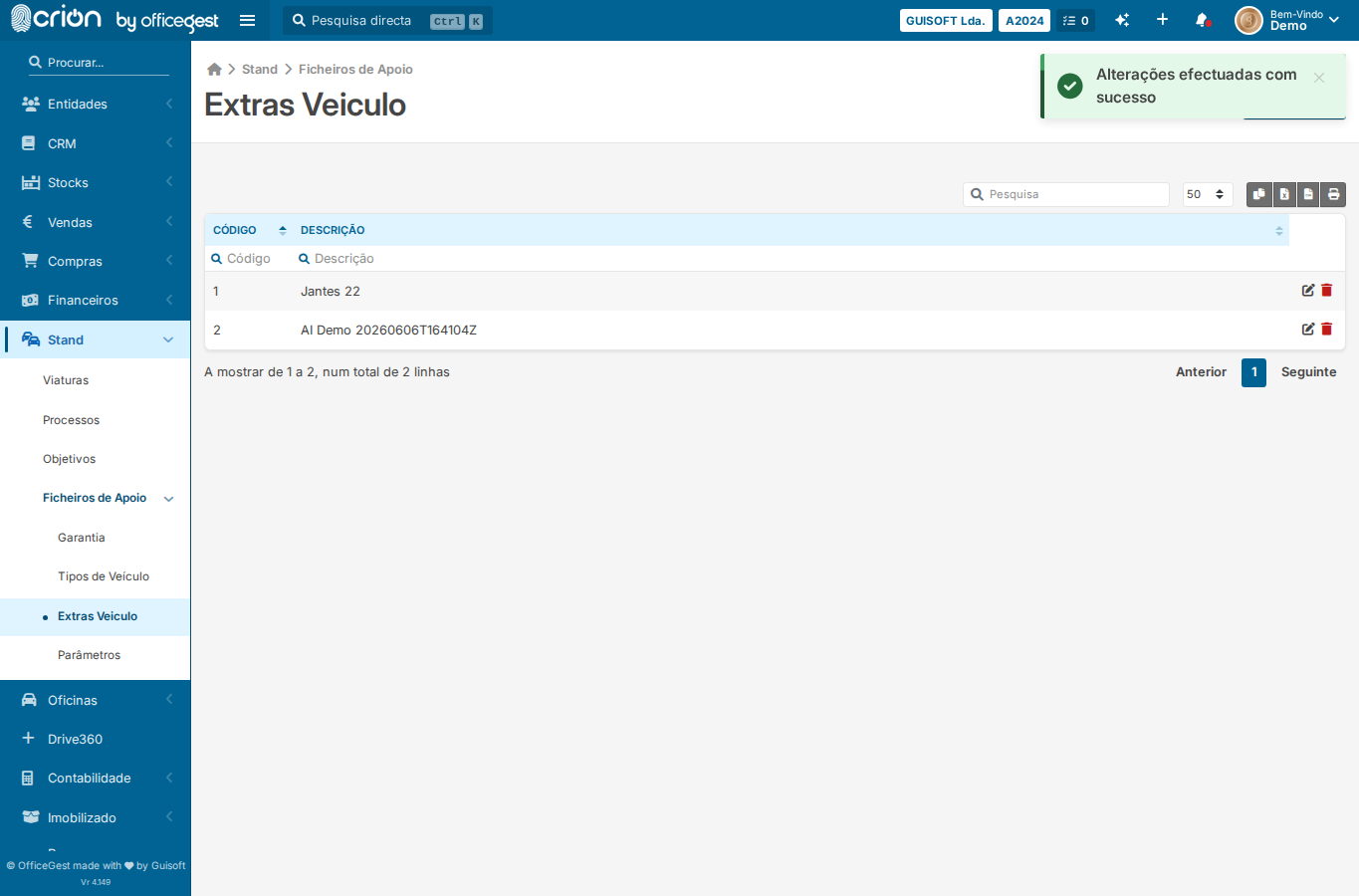
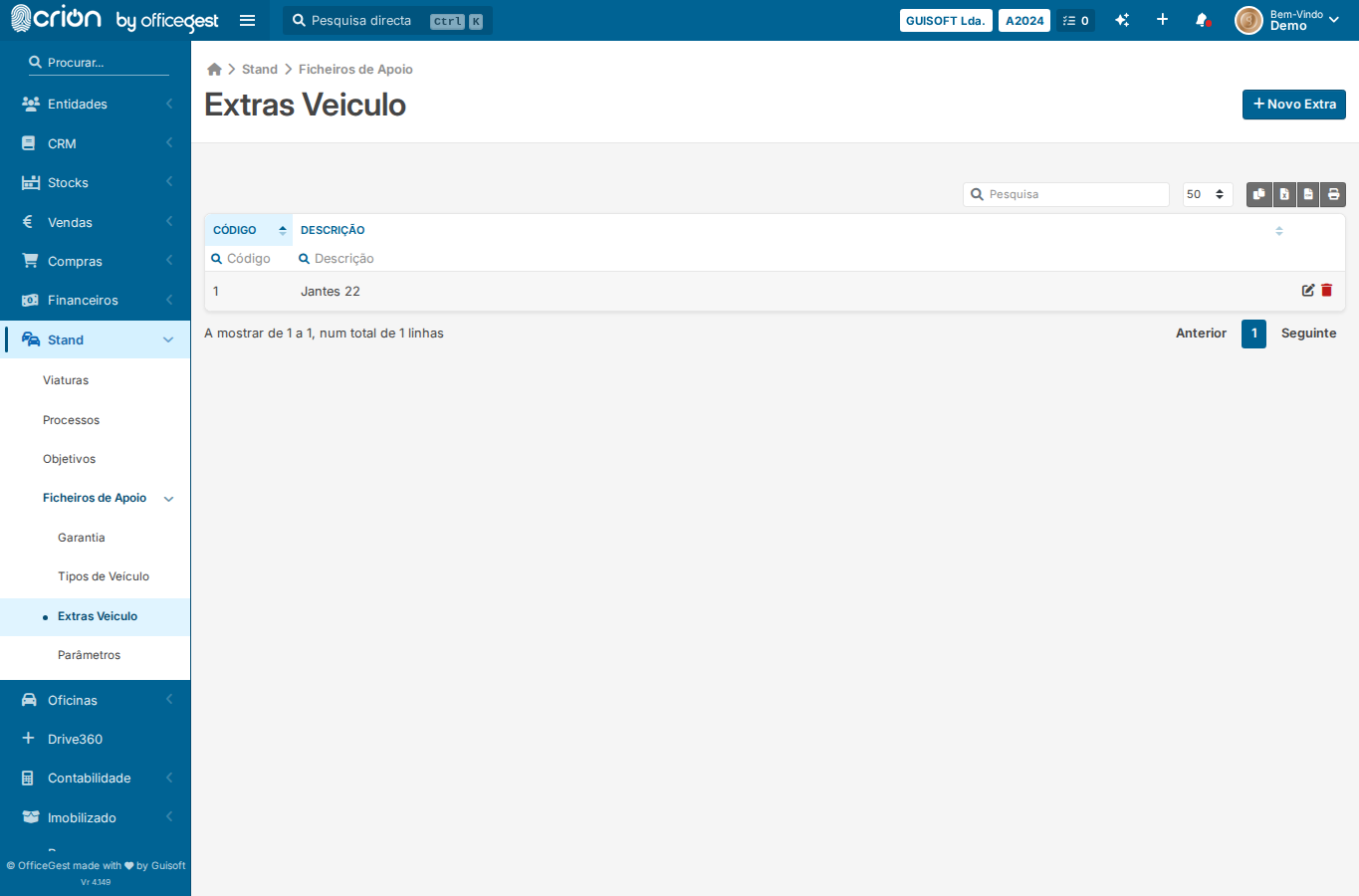
  3. Screenshot of Extras listok
  4. Click Novo Extra to open inline formok
  5. Wait for the extras form to appearok
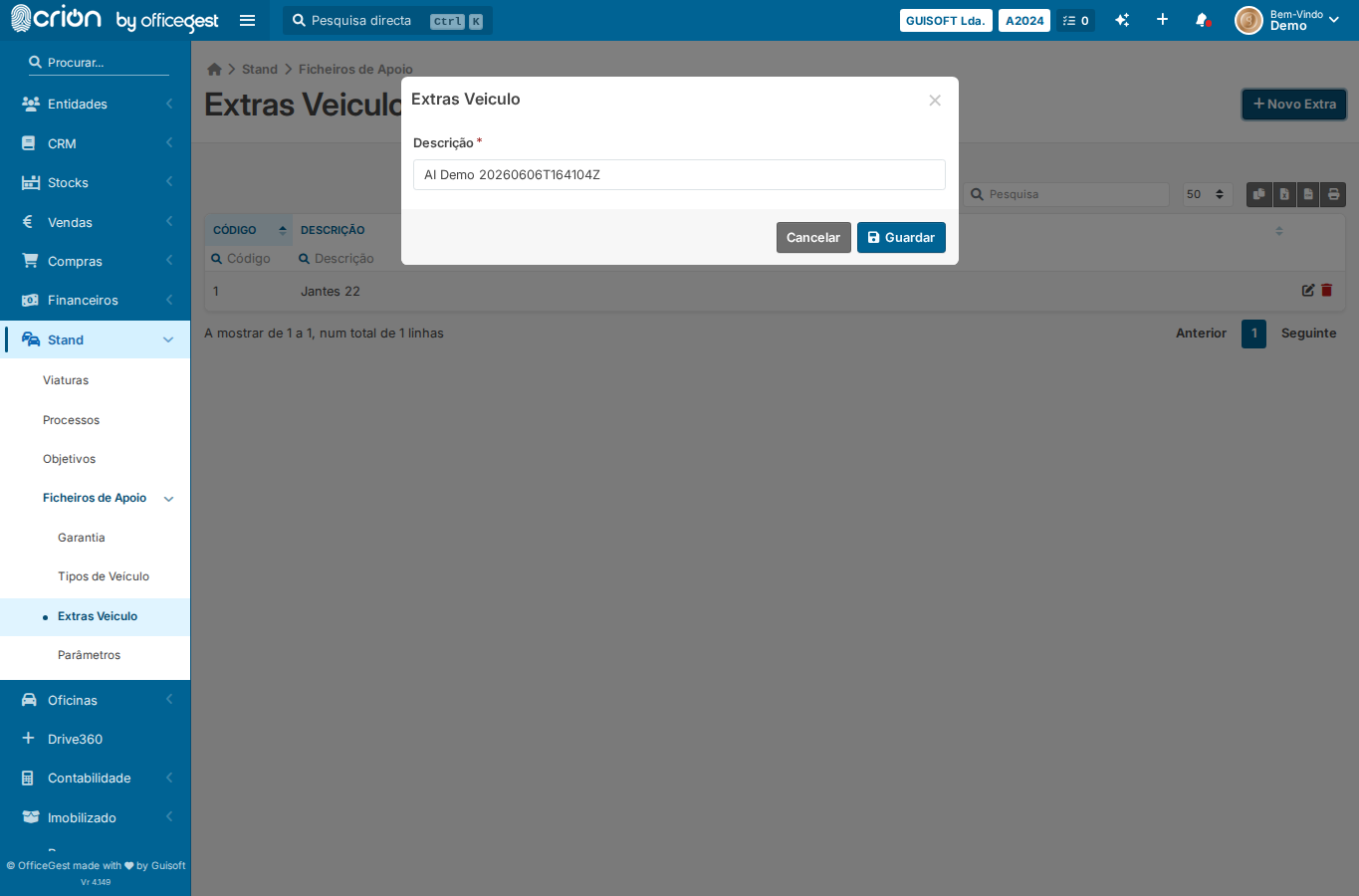
  6. Fill extra designation with AI Demo stampok
  7. Screenshot of filled extra formok
  8. Save extra (Guardar)ok
  9. Screenshot after extra savedok
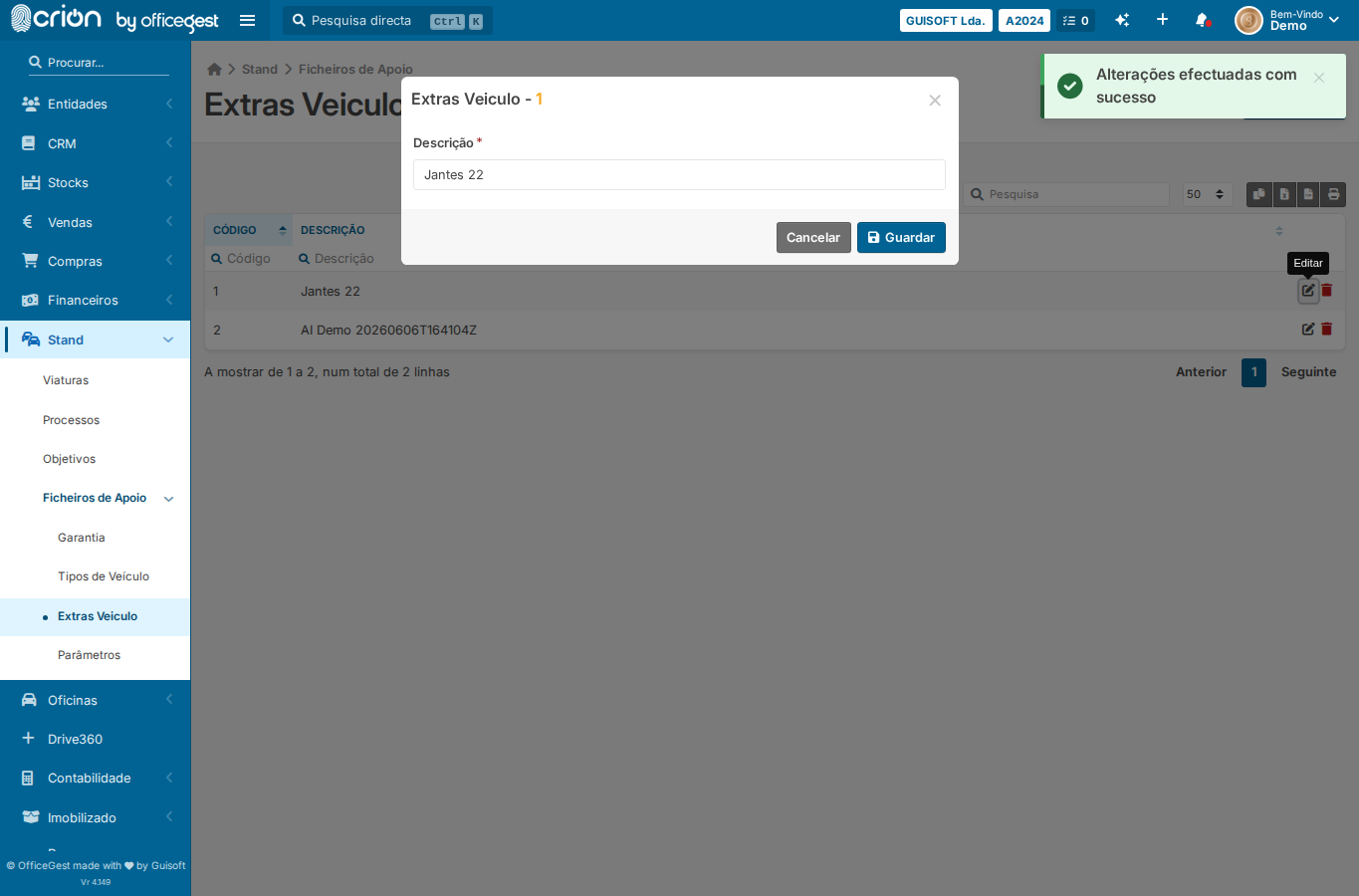
  10. Click Editar on first rowok
  11. Screenshot of edit formok
  12. Click Cancel to close edit formok
  13. Click Apagar on first rowok
  14. Wait for bootbox/confirm dialogok
  15. Cancel the deleteok
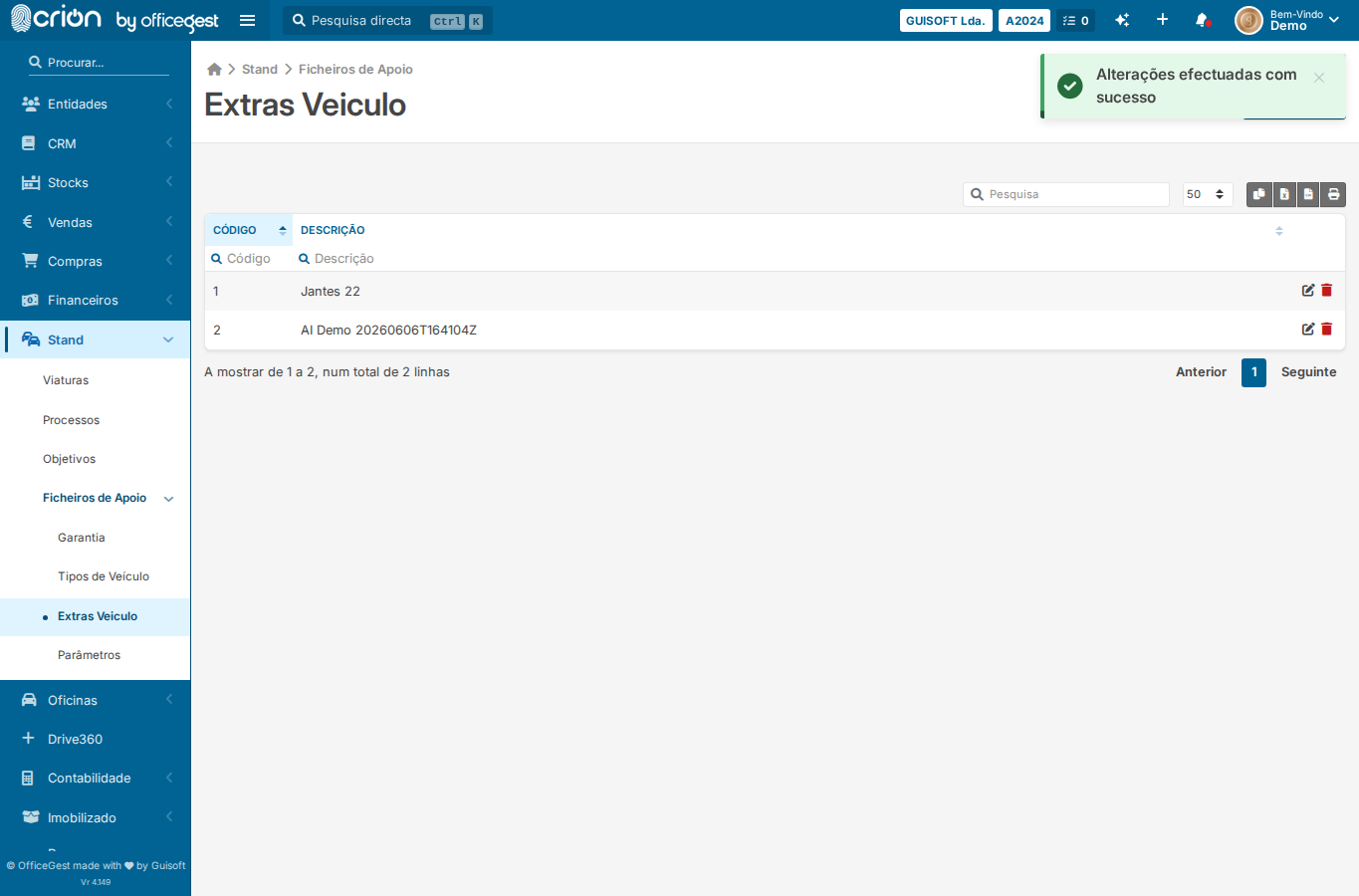
  16. Screenshot after cancel deleteok
  17. Open Extra Vehicle pageok
  18. Click Novo Extraok
  19. Wait for formok
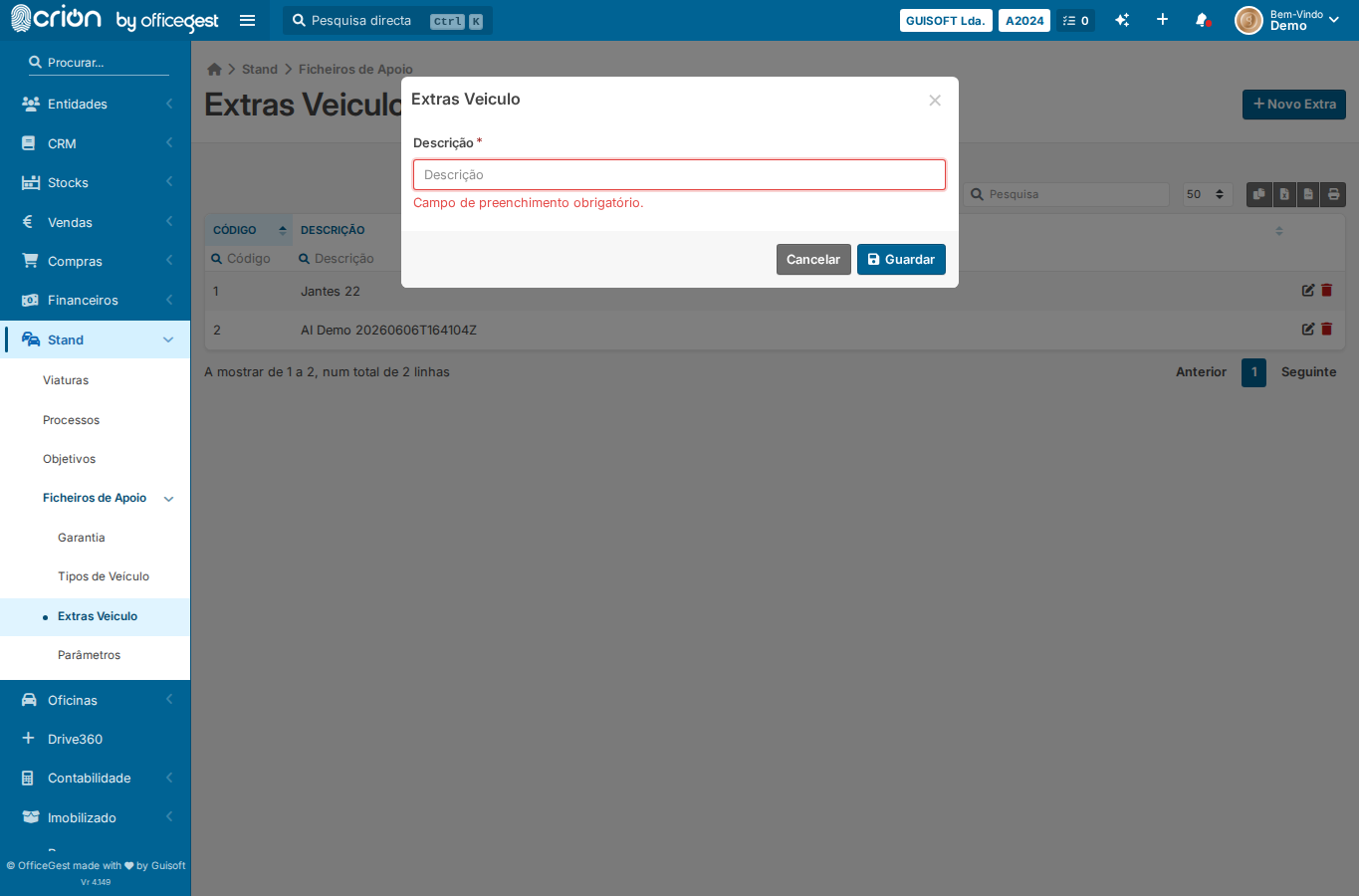
  20. Click Guardar without filling anythingok
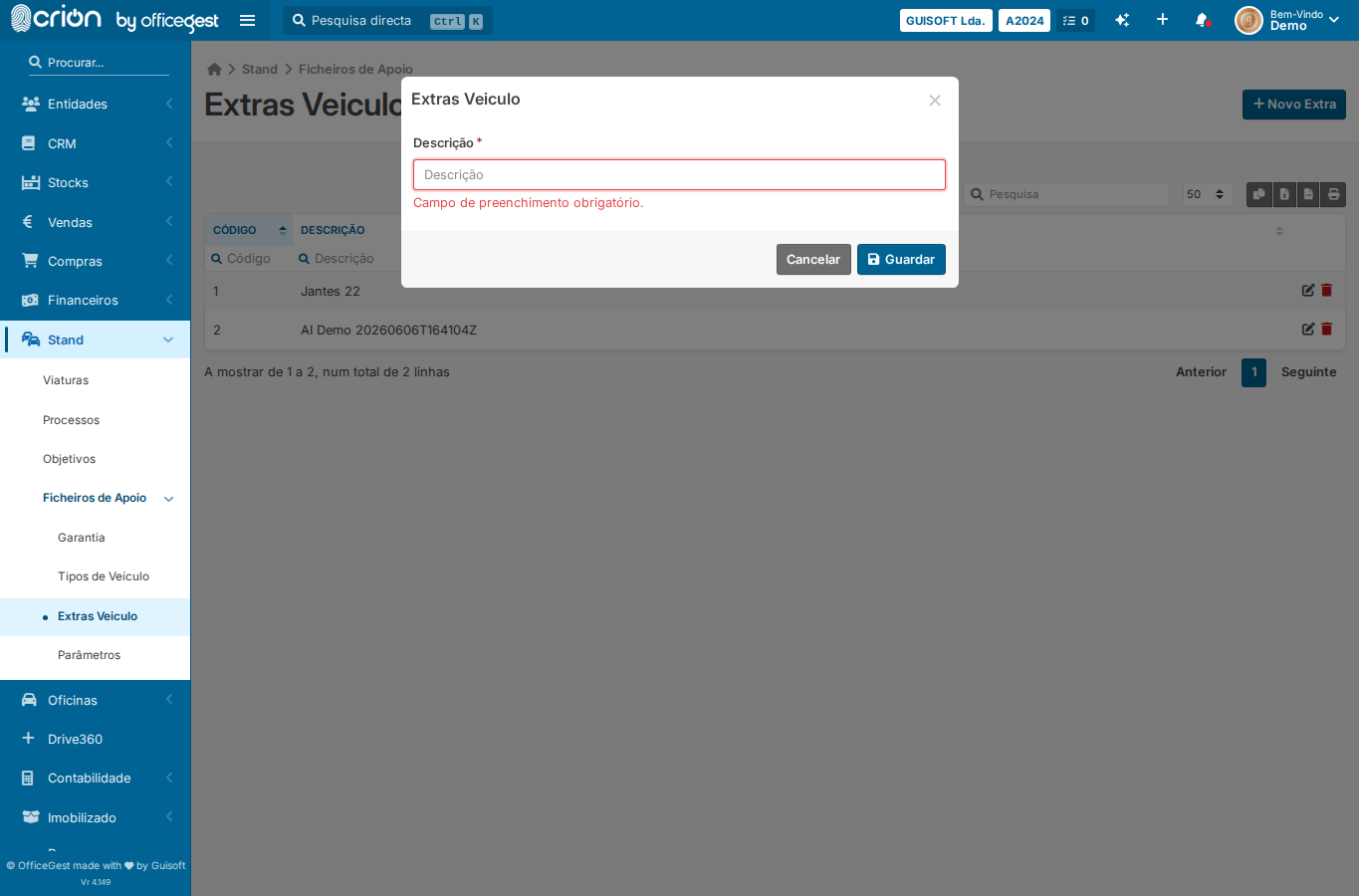
  21. Assert validation feedbackok
  22. Screenshot of validation stateok

Verification

Edge Cases Covered

Screenshots

extras-list
extras-list
extra-form-filled
extra-form-filled
after-extra-saved
after-extra-saved
extra-edit-form
extra-edit-form
after-cancel-extra-delete
edge-empty-extra
edge-empty-extra
edge-Required-field validation — submit extra form with empty designation
Backend Calls Observed