Evidence Summary
| Module | Stand |
|---|---|
| Route | /stand/objetivos |
| Run | crion-stand-objetivos-20260606T163410Z |
| Steps | 9 (9 ok) |
| Backend calls | 0 |
| Evidence JSON | raw/playwright/workflows/crion-stand-objetivos-20260606T163410Z.json |
Step-by-Step
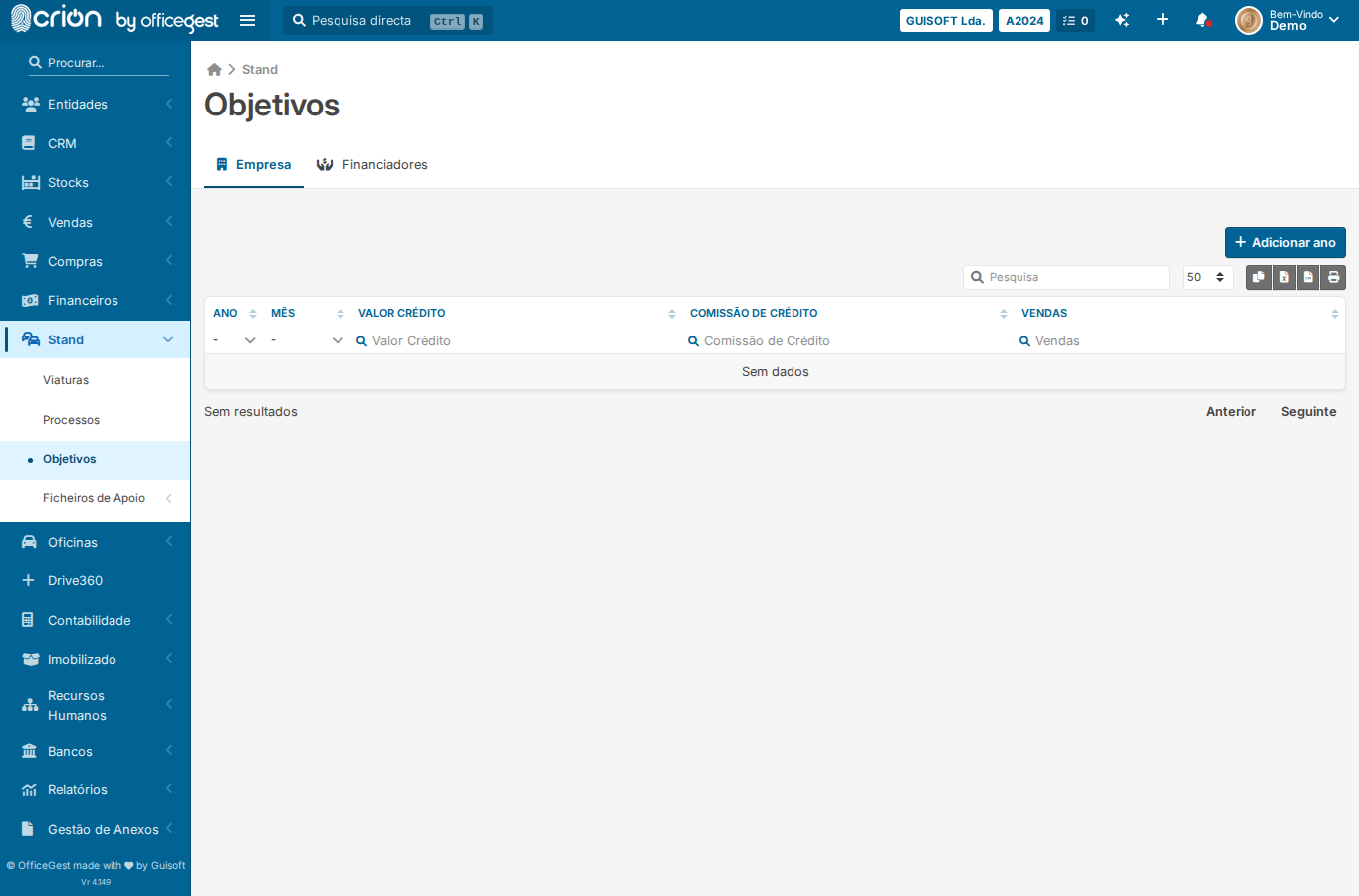
- Open Objetivos page — ok
- Wait for page to load — ok
- Screenshot of Objetivos page — ok
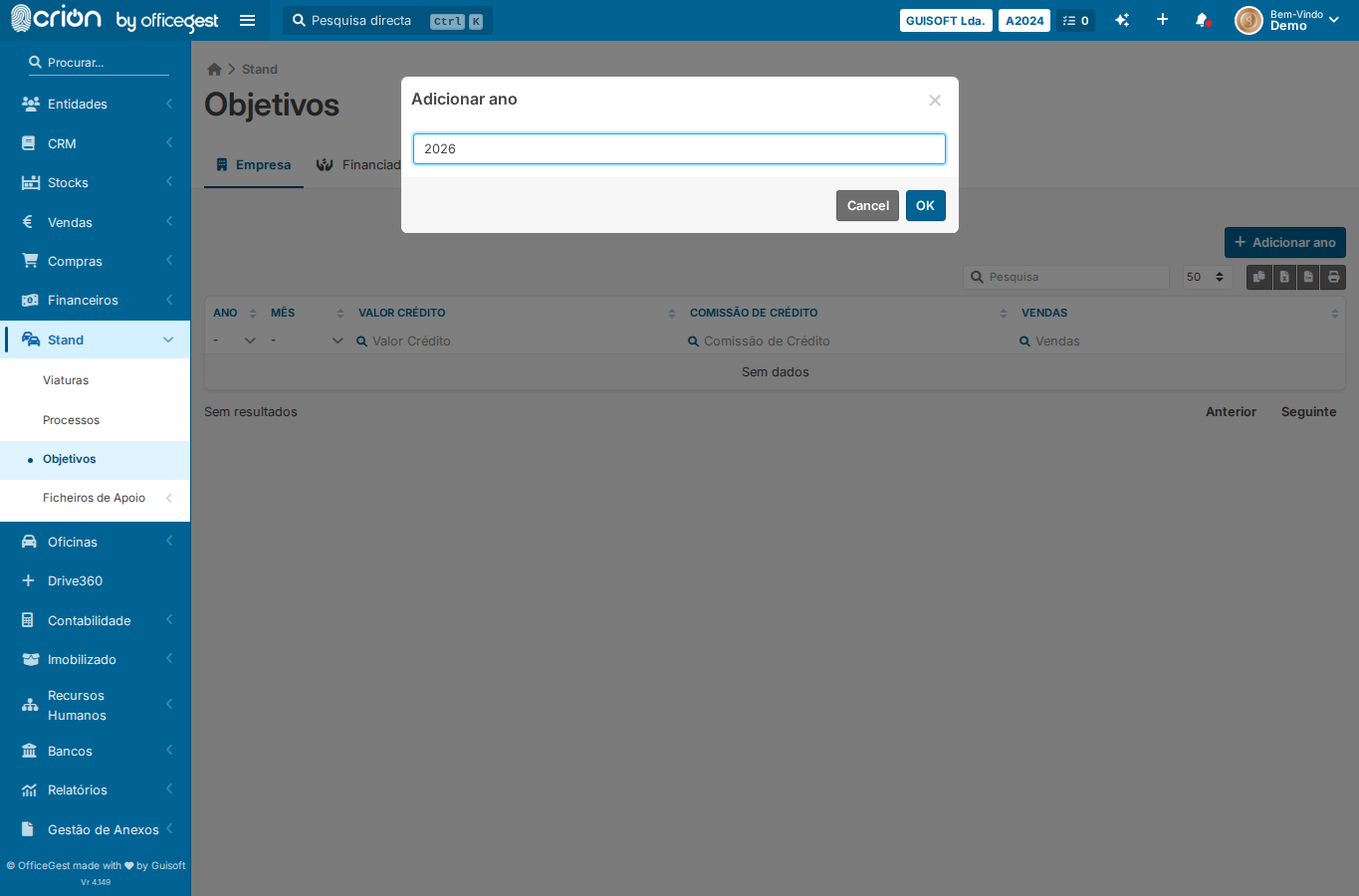
- Click Adicionar ano to add a new year row — ok
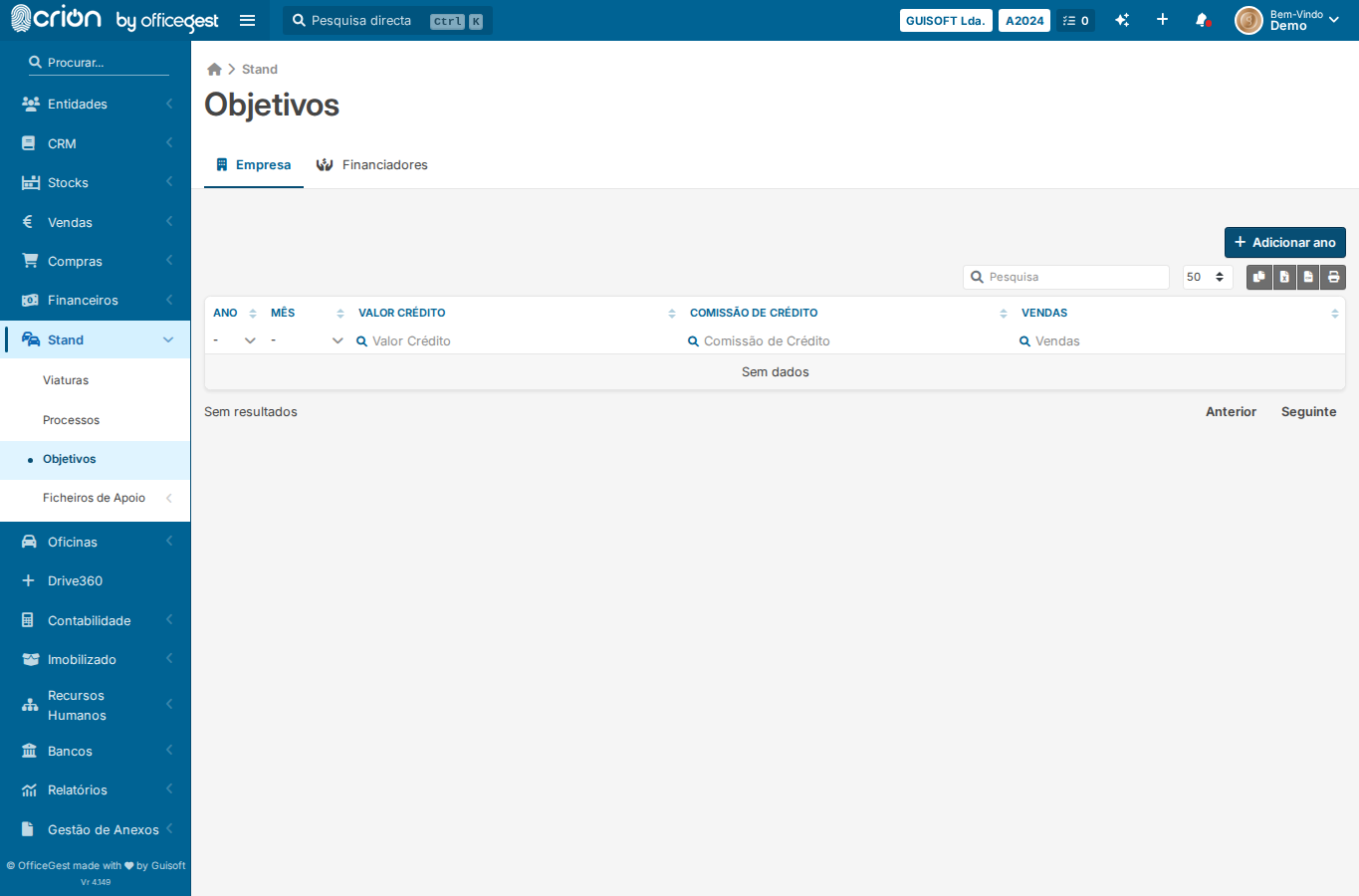
- Screenshot after adding year row — ok
- Open Objetivos page — ok
- Wait for page content — ok
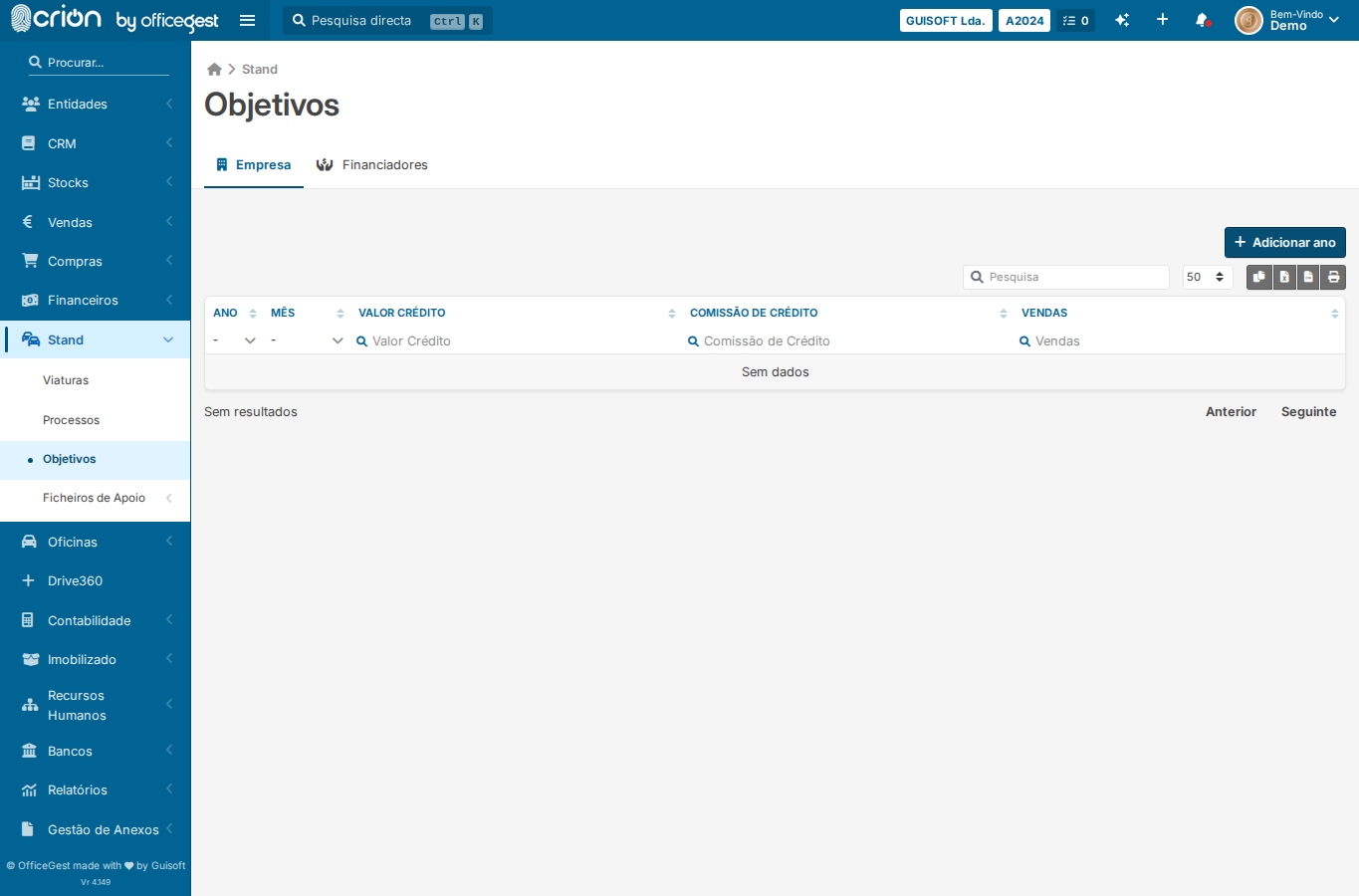
- Assert Adicionar ano button is present — ok
- Screenshot confirming objectives view — ok
Verification
- Assert Adicionar ano button is present: ✅ Adicionar ano
Edge Cases Covered
- View Objetivos page without adding data — confirm read-only state is visible
Screenshots
Backend Calls Observed
- None observed