How to Add Brand, Model and Version Inline from Nova Viatura
When a vehicle brand, model, or version does not exist and needs to be created on-the-fly from the Nova Viatura panel. Requires opening the modal via jQuery, running Procurar, then Manualmente before the + inline sub-forms are accessible.
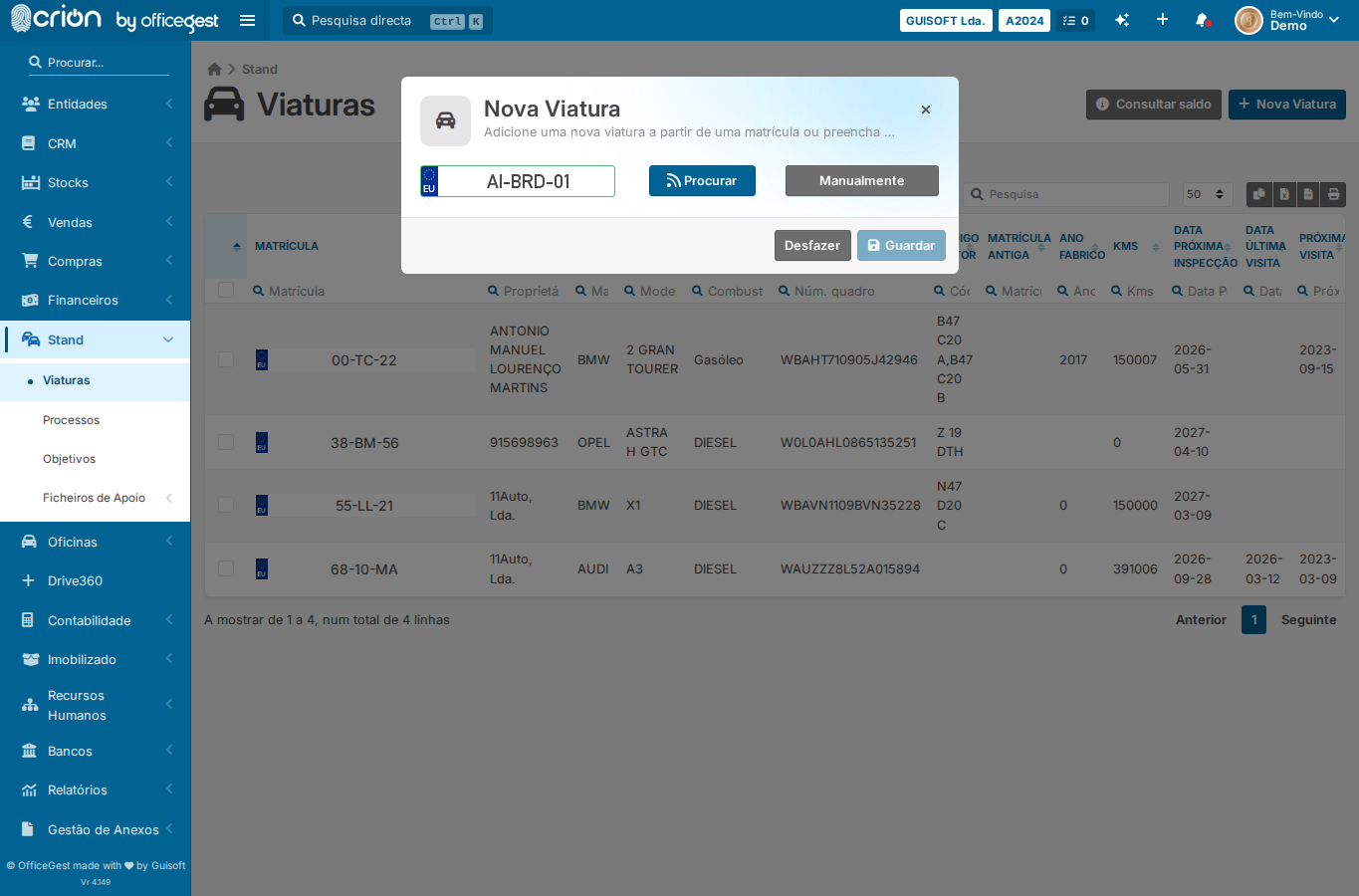
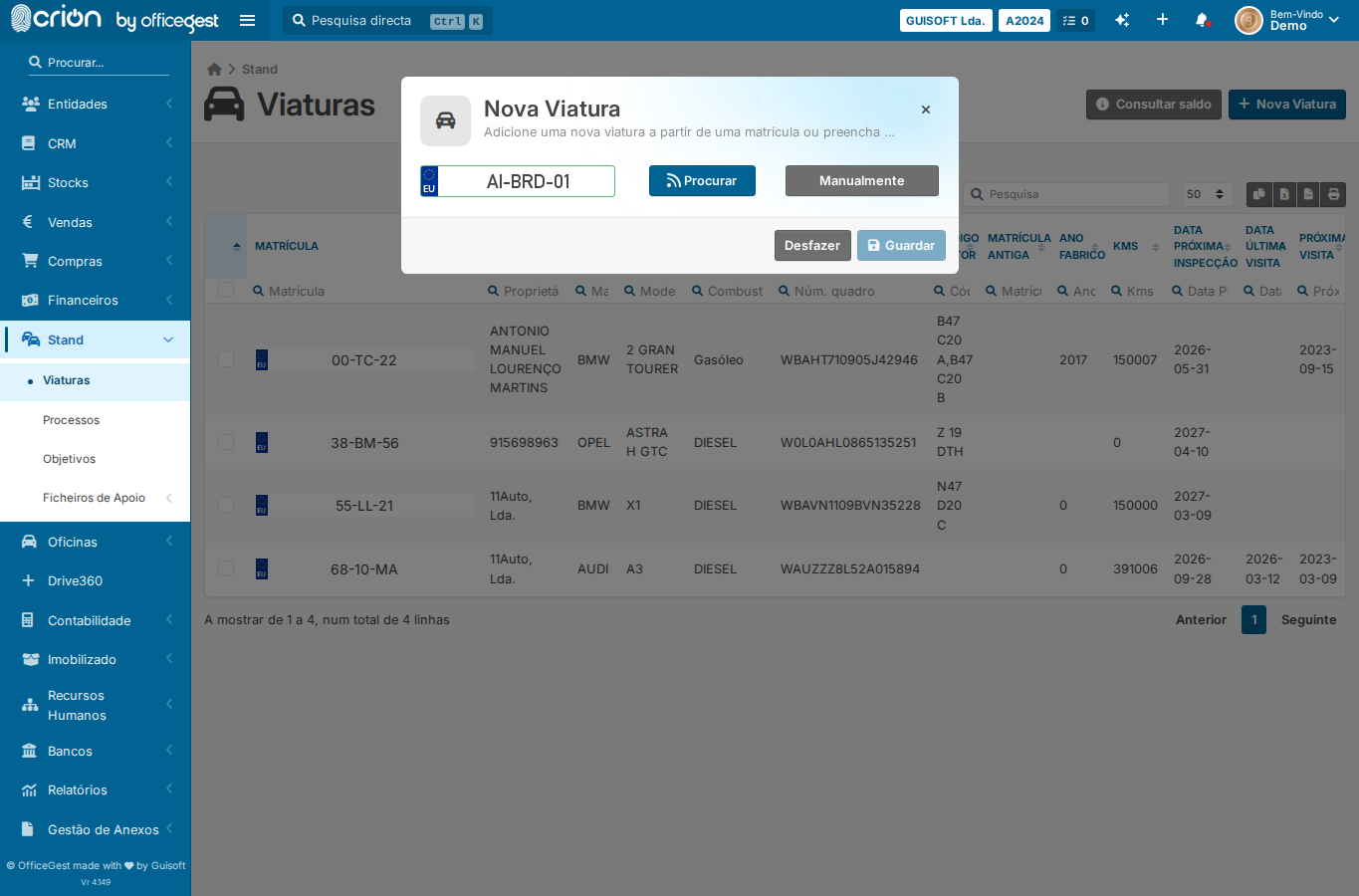
Fill plate and click Procurar to advance past plate-check step — ok
Click Procurar via JS — ok
Click Manualmente via JS to reveal the full form — ok
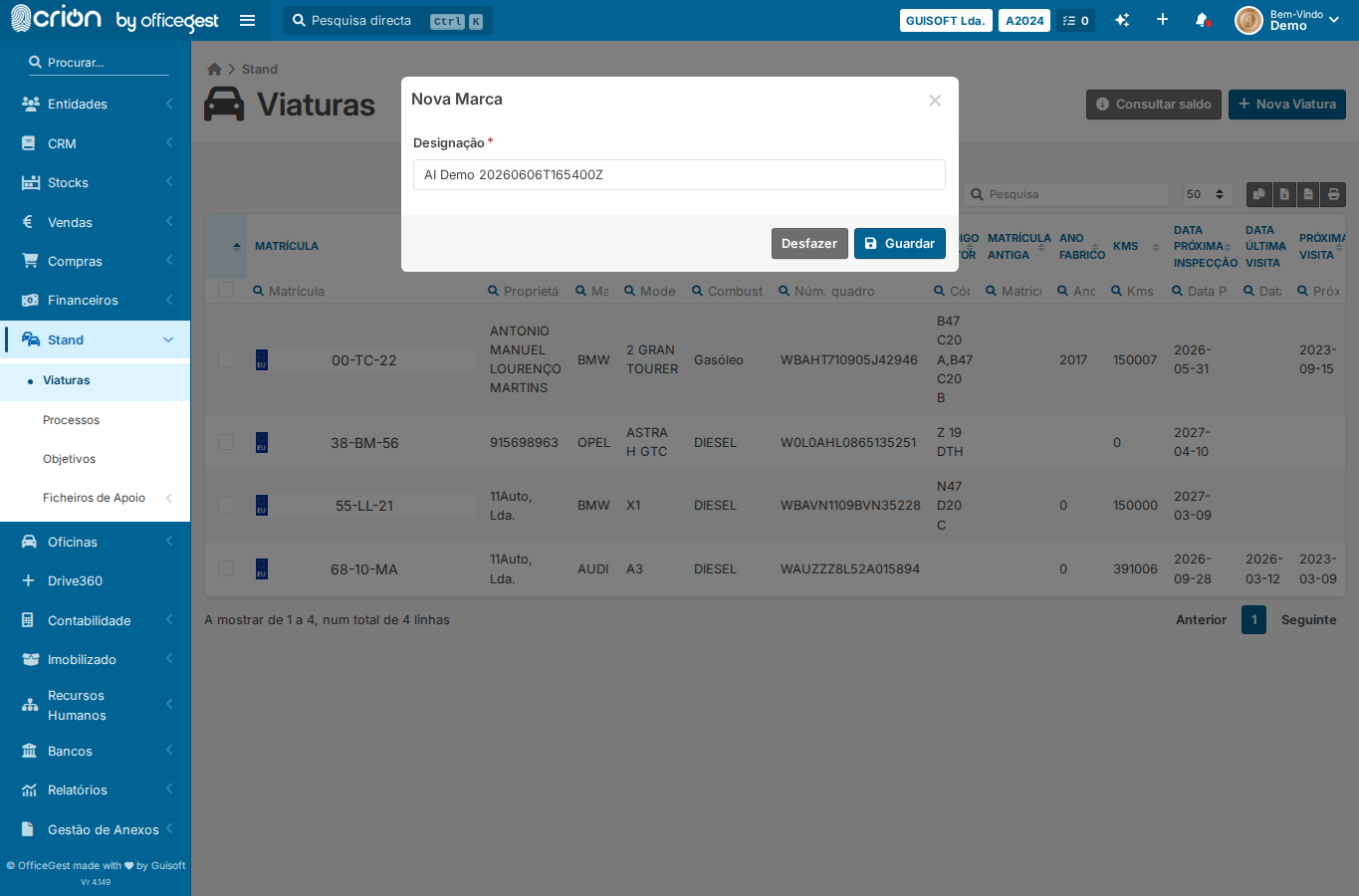
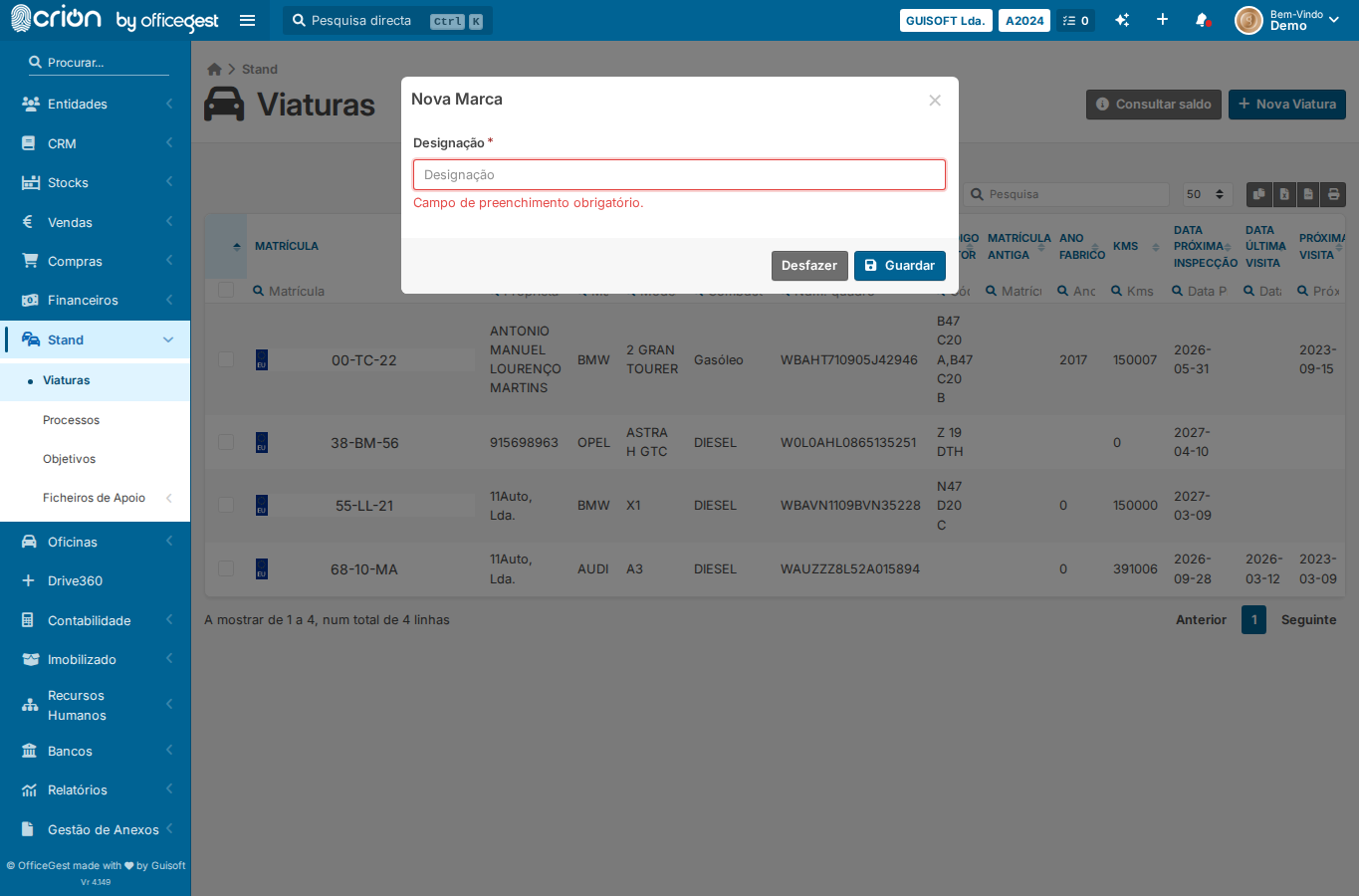
Click + button next to Marca to open Nova Marca modal — ok
Wait for Nova Marca form to appear — ok
Fill brand name with AI Demo stamp — ok
Screenshot of Nova Marca form — ok
Submit Nova Marca (Guardar) — ok
Screenshot after brand saved — ok
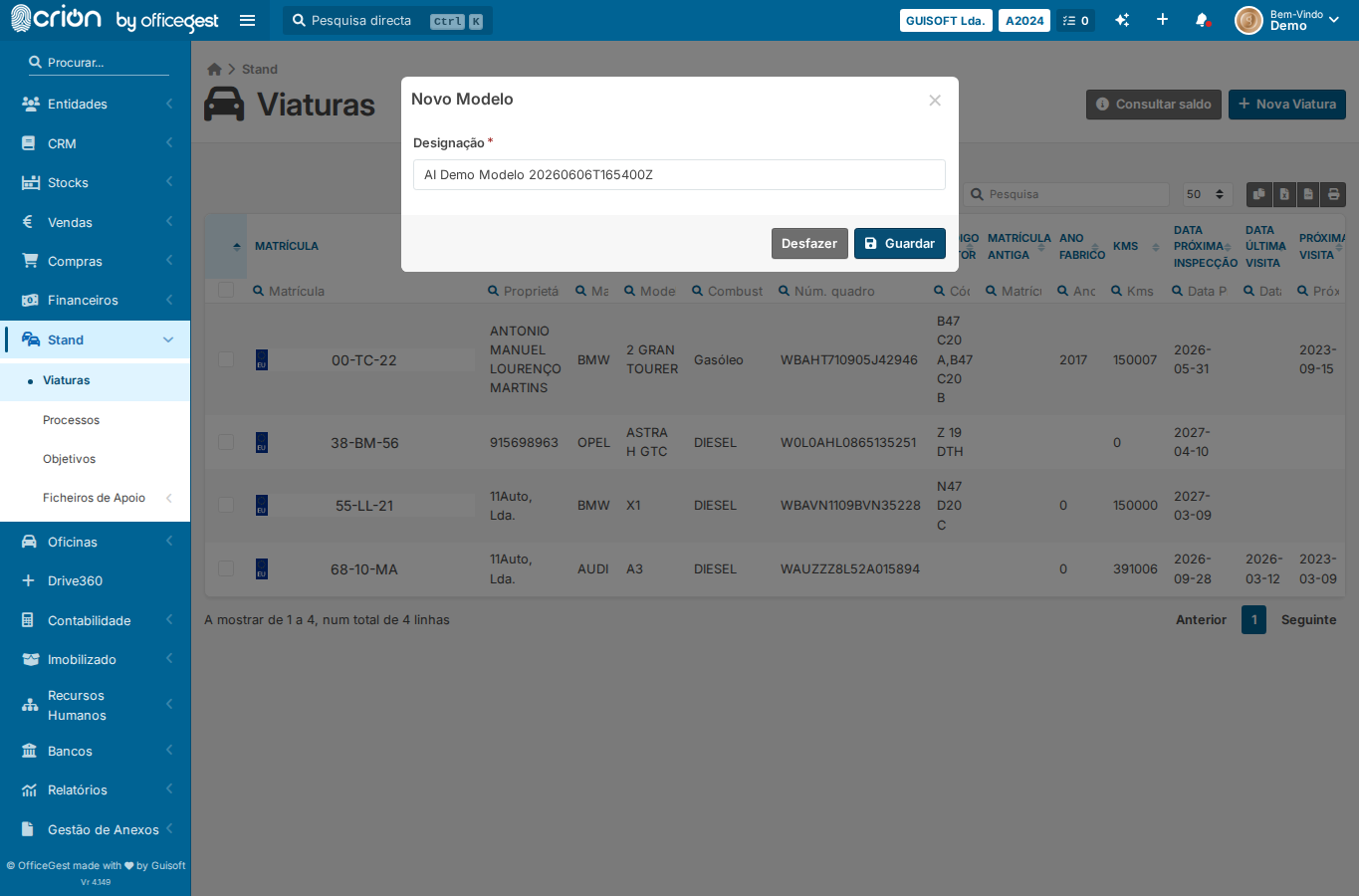
Click + button next to Modelo to open Novo Modelo form — ok
Wait for Novo Modelo form — ok
Fill model name with AI Demo stamp — ok
Screenshot of Novo Modelo form — ok
Submit Novo Modelo — ok
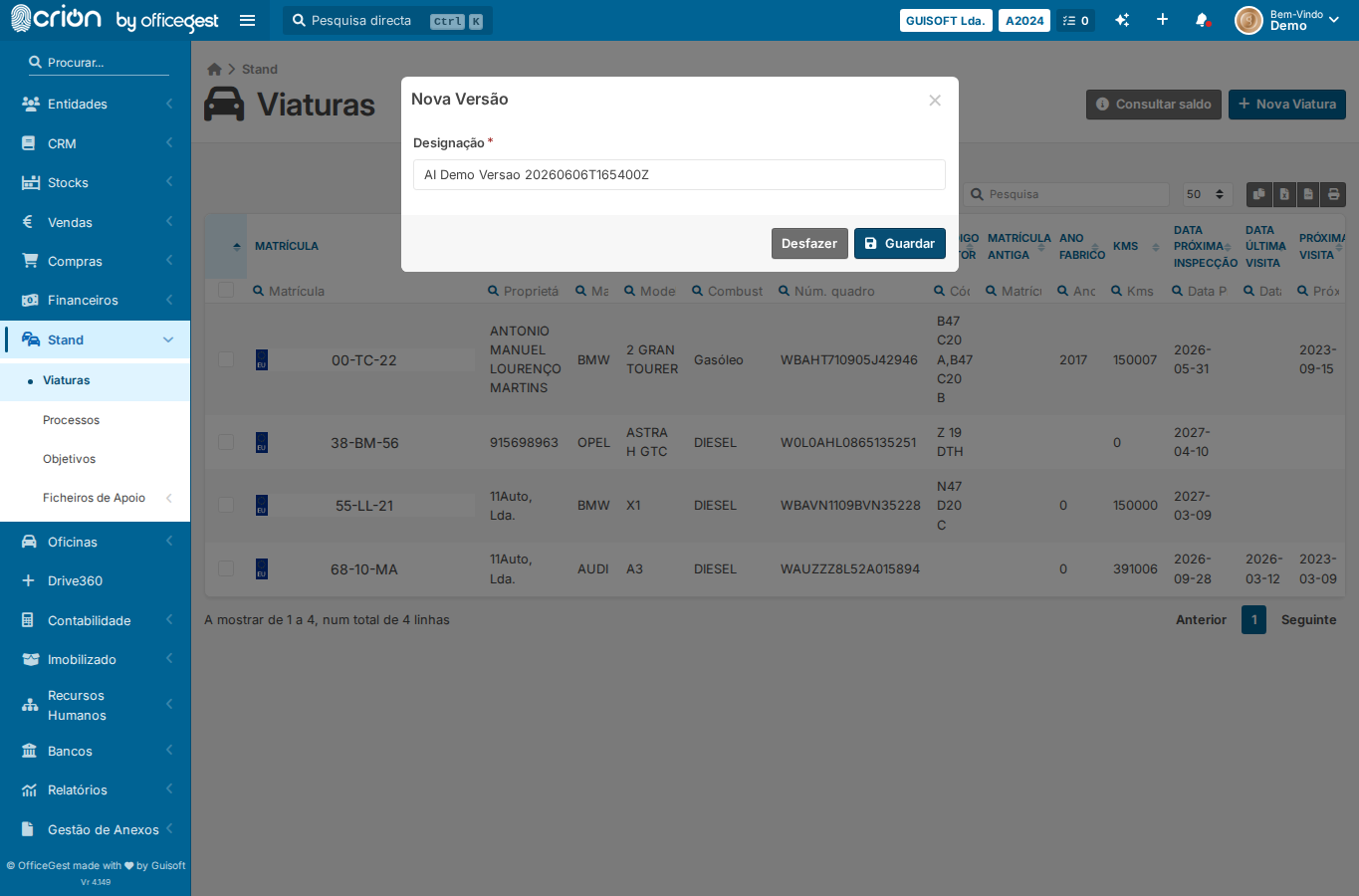
Click + button next to Versão to open Nova Versão form — ok
Wait for Nova Versão form — ok
Fill version name with AI Demo stamp — ok
Screenshot of Nova Versão form — ok
Submit Nova Versão — ok
Screenshot after all sub-forms saved — ok
Open Viaturas list — ok
Open Nova Viatura modal via jQuery — ok
Wait for modal — ok
Fill plate for procurar step — ok
Click Procurar — ok
Click Manualmente — ok
Open Nova Marca sub-form — ok
Wait for Nova Marca form — ok
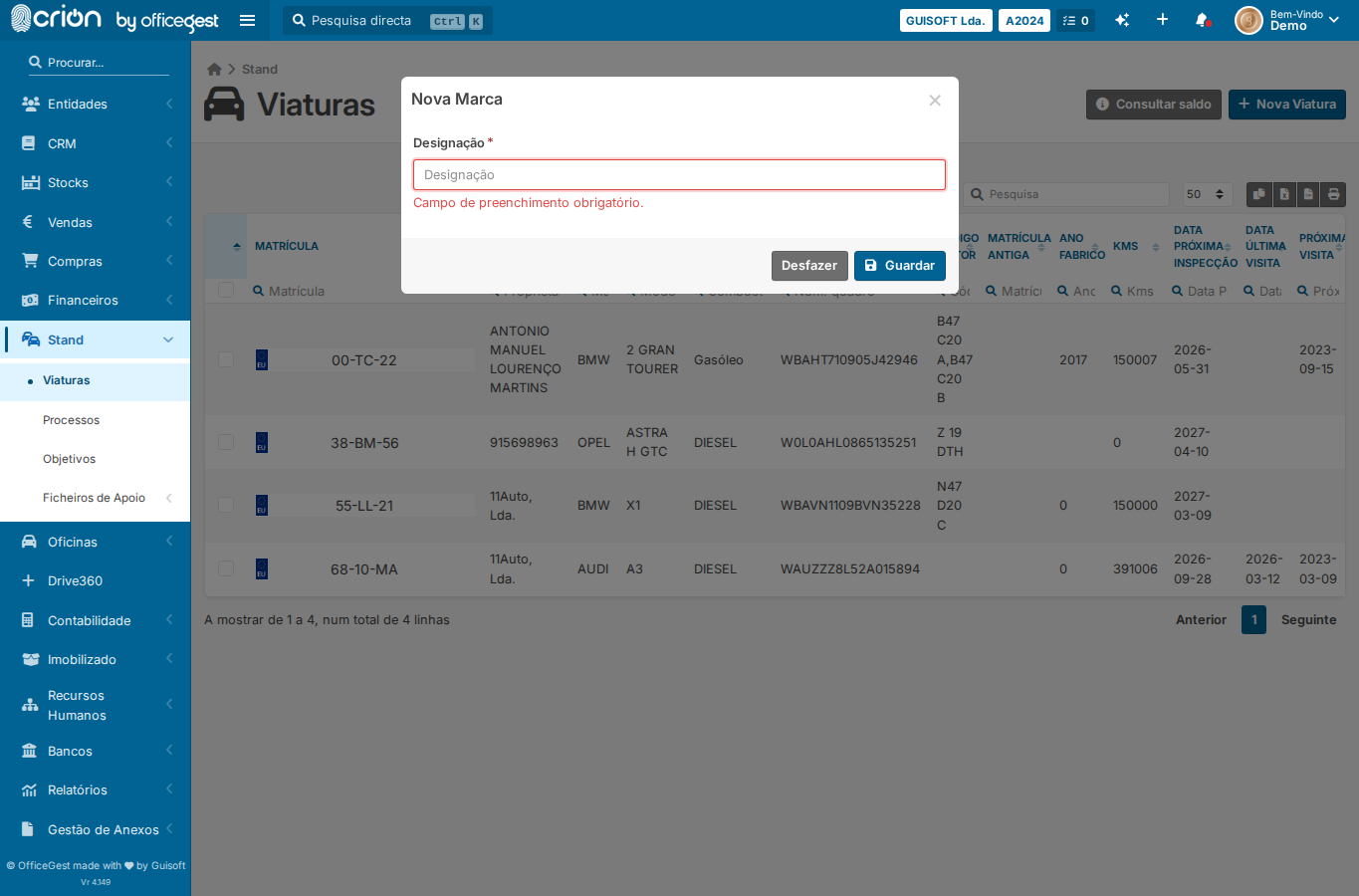
Leave designation empty and attempt save — ok
Assert validation feedback — ok
Screenshot of validation state — ok
Verification
Assert validation feedback: ❌
Edge Cases Covered
Empty brand name validation — submit Nova Marca without designation
Screenshots
nova-marca-formafter-marca-savednovo-modelo-formnova-versao-formafter-all-submitsedge-empty-brand-nameedge-Empty brand name validation — submit Nova Marca without designation